

So you have downloaded an app for your 2 year old that was labelled “educational” but now find your child just as glazed in front of it? Are you now left wondering if there really is a difference between an app labelled “educational” and a well-designed learning app? If your answer to the above questions is yes, this post is for you.
Not all screen time works the same way. Understanding how screen time affects child development is the first step in choosing digital tools that genuinely support learning. This post explains what a well-designed learning app really is, what to look for by age, and how to tell at a glance whether an app is genuinely useful or just entertainment with a learning label on it.
Passive Screen Time vs. Educational Screen Time – What Is the Actual Difference?
To understand what to look for in learning apps for children, we need to begin by understanding what passive and educational screen times actually look like.
What passive screen time looks like
- Fast-paced content with rapid scene changes that are designed to hold attention, not build understanding.
- No interaction required from the child. Even when the content has educational themes, the delivery is passive.
- Auto-playing videos in a sequence the child did not choose
What educational screen time looks like
- Paced slowly for the child to be able to process and participate
- Requires child interaction- tap, choose, sort, draw, or respond
- Content narration is directed at the child as opposed to pure commentary. For instance: “Your turn — which shape is the circle?”
- There is a clear learning objective built into the design
Passive Screen Time vs. Educational Screen Time
Here is how the two types of screen time compare across the factors that matter most for young children:
| Factor | Passive Screen Time | Educational Screen Time |
| Child’s role | Watching only — no response needed | Active — tapping, choosing, responding, drawing |
| Content pace | Fast cuts, constant novelty, autoplay | Slow, repetitive, child sets the pace |
| Language exposure | Background narration, not directed at the child | Narration that names, explains, asks questions |
| Stopping mechanism | No natural end — autoplay continues indefinitely | Activity ends; child must choose to continue |
| Learning transfer | Very low | Higher when parent co-views and connects to real life |
| Effect on attention | Trains brain for rapid stimulation and short loops | Supports sustained focus on one task |
| Parent involvement | Not required | Strongly recommended, especially under age 3 |
How to Tell If an App Is Actually Educational – 6 Things to Check
6 markers of a genuinely educational app for young children
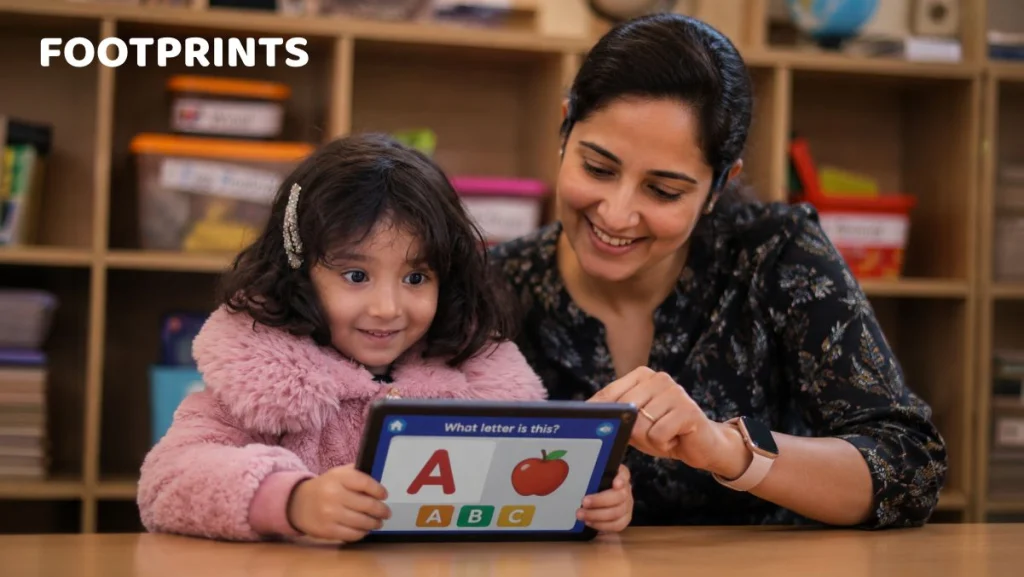
- Active participation required. The child cannot get through the activity by watching alone. They must tap, drag, sort, draw, or make a choice.
- Slow, repetitive pacing. Good learning apps for toddlers repeat content, allow the child to redo an activity, and do not rush to the next thing.
- Language directed at the child. The app speaks to the child, asks questions, and waits for a response — even a pretend one.
- No autoplay. Each activity ends cleanly. The child chooses to continue, rather than being automatically moved to the next screen.
- No ads, in-app purchases, or pop-ups. Any app that interrupts a 2-year-old’s activity with a purchase prompt is designed for revenue, not learning.
- Age-appropriate progression. Activities are appropriately matched to the child’s developmental stage. They are not too easy, not frustratingly hard.
Good Sign vs. Red Flag — App Quality Checklist
| What to Check | Good Sign | Red Flag |
| Interaction required | Child must tap, drag, sort, or respond | Child watches passively with no input needed |
| Content pacing | Slow, repetitive, allows child to process | Fast cuts, lots of animations, constant scene change |
| Ads and prompts | No ads, no in-app purchases during play | Banner ads, pop-ups, purchase prompts mid-activity |
| Autoplay behaviour | Stops after each activity; child chooses next | Automatically moves to next video or activity |
| Learning progression | Activities build on each other gradually | Random, unconnected content with no structure |
| Voice and language | Speaks directly to the child; asks questions | Background narration or no speech at all |
Age-Wise App Categories for Children Aged 1 to 5
Let us look at some learning app categories specific to age groups:
Age 12–18 months — keep apps minimal
- WHO recommends near-zero screen time under 18 months. Even educational apps are not recommended at this stage.
- At this age, a parent narrating a picture book or singing together does more for development than any app
- If using a device anyway, make sure to use simple cause-and-effect apps where one tap produces one clear result (a sound, a colour change)
Age 18 months to 3 years — simple, interactive, co-viewed
- Learning apps for toddlers need to be slow paced with a focus on one concept per screen.
- Simple drawing and colouring apps that require active touch are recommended.
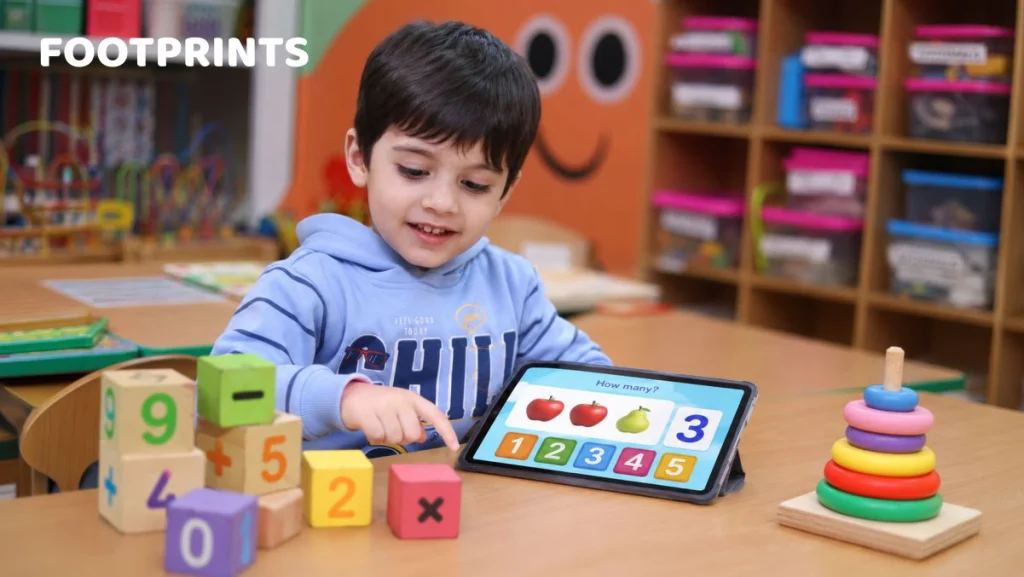
- Go for basic number counting and number recognition apps with voice feedback or simple phonics apps that name letters with sound and a picture example
- All use at this age should be co-viewed — parent alongside, asking questions and connecting to real life
Age 3 to 5 years (preschool) — wider range, still supervised
- Preschool learning apps include alphabet and early reading apps with progressive phonics instruction
- Early maths apps that teach counting, sorting, simple addition with visual aids are also recommended
- You could also opt for pattern recognition and puzzle apps that build logical thinking
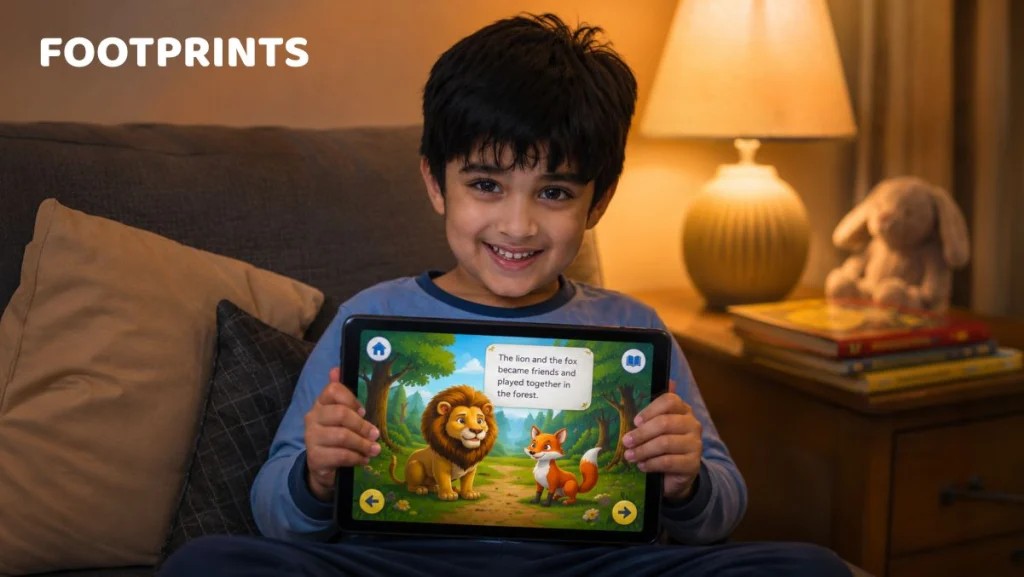
- Interactive storybook apps where the child controls the pace and makes choices are useful.
- Go for creativity apps such as those to do with drawing and colouring with simple animation
- At this age, 15–20 minutes per session is a reasonable upper limit even for quality educational apps
Why Even the Best Educational App Works Better With a Parent Alongside
No matter how educational the app is, if there is one thing that it cannot substitute, it is parental involvement. Research consistently shows that toddlers who use educational apps alongside a responsive adult retain and apply significantly more than those using the same app alone
Along with using the right app, do ensure the following:
- As far as possible, ensure you are co-viewing the content with the child. Co-viewing turns the app from a screen into a conversation: “What letter is that? Can you find one in your name?” or “That cat is orange — like our neighbour’s cat!”, can all be valuable additions.
- The goal is not to find an app that teaches independently. It is to find an app worth having a conversation about. There could be instances such as when you were working and were not able to co-view with the child. You can always go back and have a discussion about what the child saw and learnt.
One Thing Parents Often Get Wrong – Educational Apps Still Count Towards the Daily Limit
A common misconception is that educational apps can be used over and above the screen time recommended for children. It is important to remember that even a high-quality educational app is still a screen. Like any other app, it still emits harmful blue light. It still competes with outdoor play and live conversation. Educational apps are therefore best used within the daily limit — not as an additional allowance on top of it. A child who has used an excellent phonics app for 40 minutes and then watches 40 minutes of cartoons, for instance, has had 80 minutes of screen time that day — not 40 minutes of screen time and 40 minutes of learning.
Your effort needs to be directed towards making screen time count and not adding more screen time because it counts.
Frequently Asked Questions
1. Are educational apps really better than YouTube for toddlers?
Educational apps that are truly interactive work much better than passive platforms. However, toddlers still learn best through real-world play and caregiver interaction, so apps should only be a small supplement.
2. How much time on a learning app is appropriate for a 2-year-old?
At this age, screen time is not recommended for more than an hour per day. 15-20 minutes per session is a reasonable upper limit. Ensure that you co-view along with the child. It is also important to remember that time spent on a learning app is counted towards the total screen time.
3. At what age can a child start using a learning app?
Most children benefit from waiting until 18 months before using apps. Even then, usage should be short, supervised, and balanced with hands-on play.
4. Are free educational apps safe for young children?
Free apps vary widely in quality and safety. Some may include ads, pop-ups, or data collection. Parents should carefully review app settings, supervise use, and prioritize apps designed with child development in mind.
5. Is there such a thing as too much educational screen time?
Yes. Even if labeled “educational,” excessive screen time can displace critical activities like outdoor play, social interaction, and sleep.
6. What is the best type of app for a 3–4-year-old’s development?
Apps that encourage creativity, problem-solving, and language development are most beneficial. Look for simple, interactive experiences that spark curiosity and can be connected to real-world play and conversation.
To Sum Up
In sum, it is important to remember that not all “educational” apps may actually be that. A good learning app requires the child’s active participation and needs to move at the right pace. Even the best apps, however, work better alongside a parent. Pro tip: Educational screen time needs to be viewed as the best use of the daily screen time limit and should be considered above it.
Overall, the question is not whether your child can use a screen. It is whether that screen is working as hard for your child as you are.
For more such informational content, stay tuned to this space. At Footprints Play School, we are committed to your child’s holistic development.

Amita Bhardwaj is one of India’s few certified HighScope curriculum trainers, trained and certified by the US-based HighScope Educational Research Foundation — the same framework underpinning over 50,000 preschools across 20+ countries. As Chief Delivery Officer at Footprints Childcare, she has spent the last decade architecting the curriculum and learning outcomes across 230+ centres serving 60,000+ children across India.
With over 30 years in early childhood education, Amita has worked across infant care, toddler development, preschool pedagogy, and educator training. She is also a certified course leader at Landmark Education, the world’s largest personal development organisation, which informs her approach to child-centred learning and growth.
Amita writes on child development milestones, early brain development, age-appropriate activities, infant safety, and curriculum best practices. All parenting content published under the Footprints Childcare blog is reviewed and approved by her before publication.
 View Fees
  Call Us